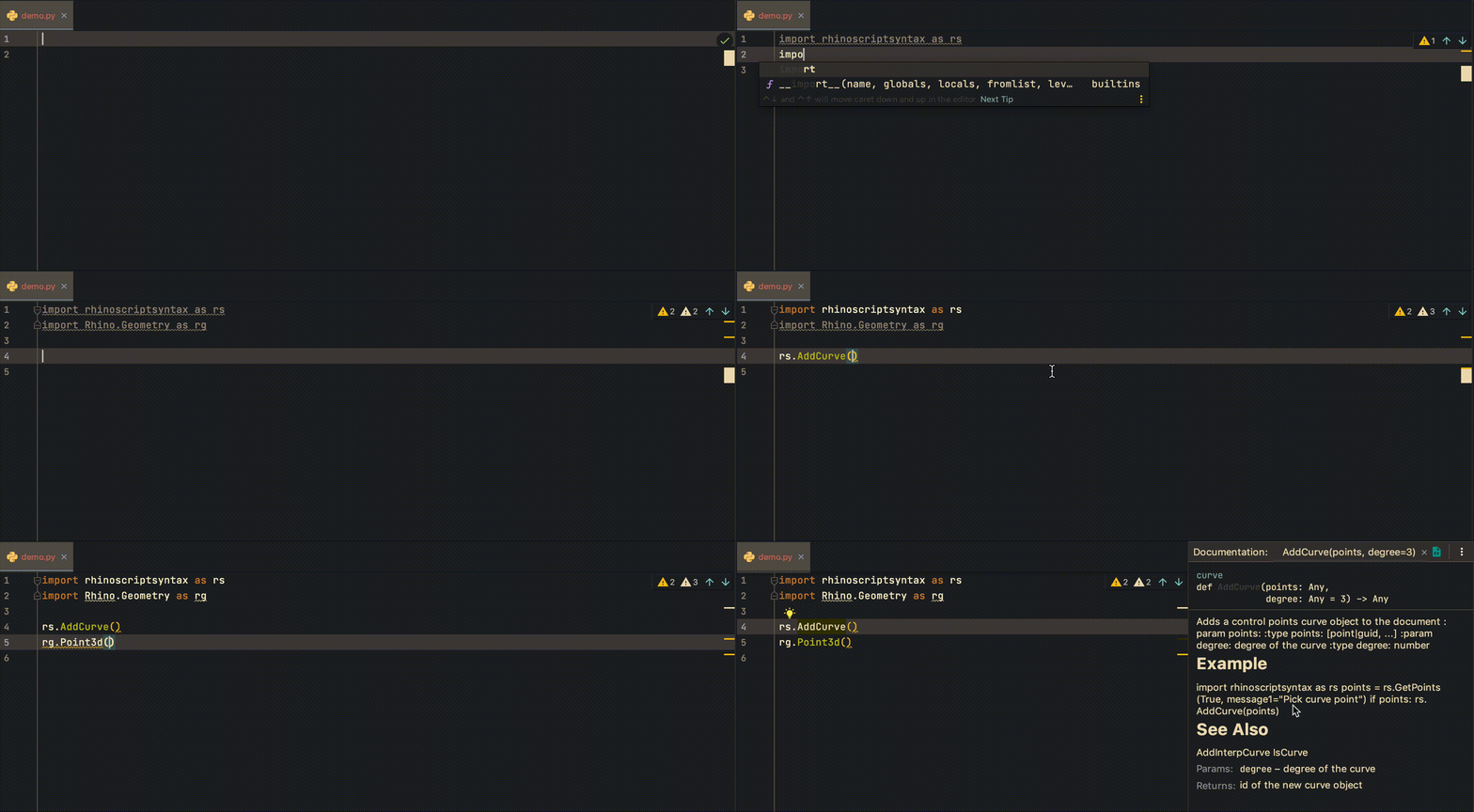
Rhino PyCharm autocomplete

Rhino Mac PyCharm autocomplete

Here is how I set up my PyCharm IDE to program in Rhino Mac, so I can have a nice autocompletion functionality for the RhinoCommon and rhinoscriptsyntax. First, I install the python stubs to my created conda environment. This makes sure that we will have the autocomplete for the RhinoCommon API. $ conda create -n your-env-name $ conda activate your-env-name $ pip install Rhino-stubs To use specific environment in PyCharm, we will have to select the right environment for the project. This can be set in PyCharm -> Preferences -> Project: your-project-name -> Python Interpreter. Normally, our environment python is located at ~/anaconda3/envs/your-env-name/bin/python. ...

November 6, 2020 · 1 min · Gene Ting-Chun Kao
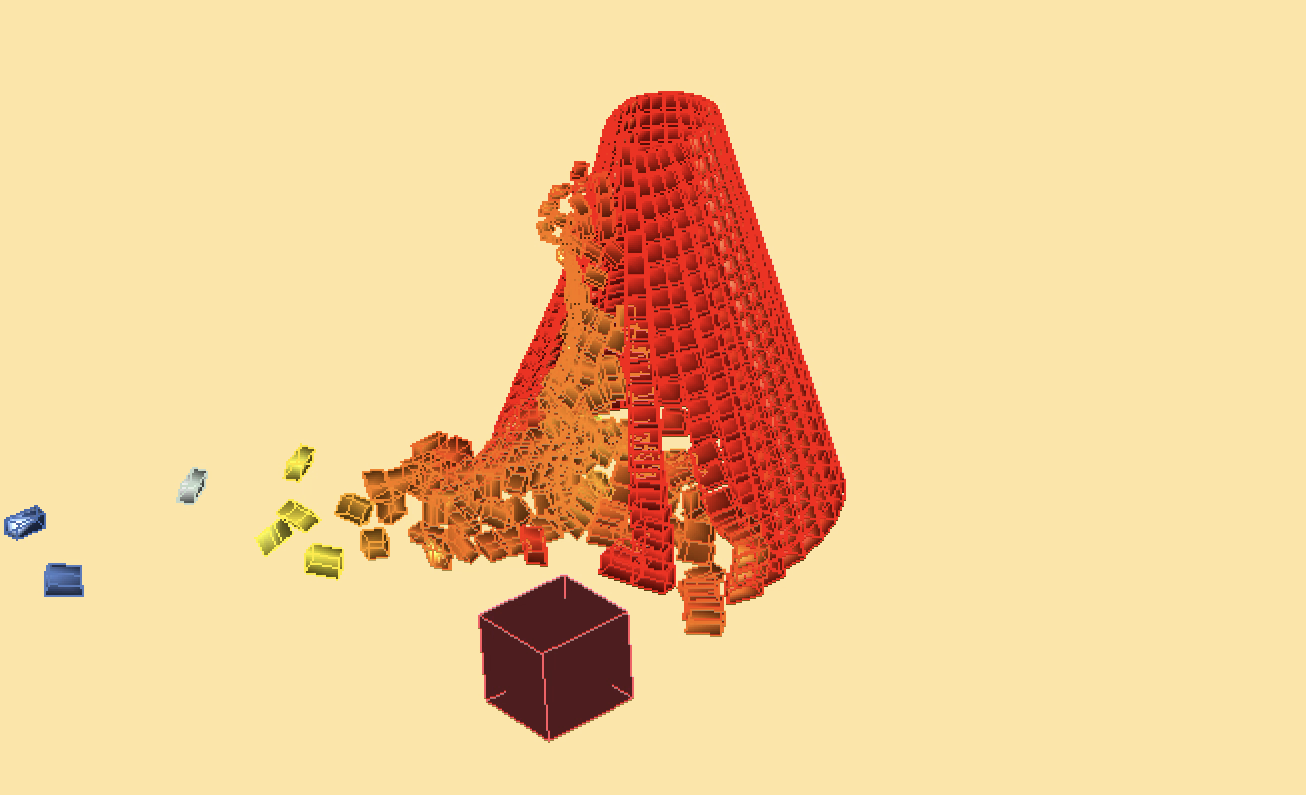
PhysX.GH demo

PhysX.GH

About PhysX.GH is a rigid body simulation tool for Grasshopper. It uses open source real-time physics engine NVIDIA PhysX and a C# wrapper from stilldesign/PhysX.Net. It runs with GPU and provides users with fast simulation results. Download: https://www.food4rhino.com/app/physxgh Forum: https://www.grasshopper3d.com/group/physx-gh License PhysX.GH © 2016-2020 Gene Ting-Chun Kao, Long Nguyen and The Asian Coders.

January 1, 2019 · 1 min · Gene Ting-Chun Kao
Leopard GH plugin

Leopard

Leopard - A new way to process mesh in Grasshopper, a cool GH plugin. We are pleased to announce our new plugin for Grasshopper: “Leopard” http://www.grasshopper3d.com/group/leopard Leopard is an open source mesh processing solution for grasshopper that allows users to interact with rhino geometry and create customised mesh shapes. By selecting Mesh vertices, edges and faces, users have more freedom to edit meshes intuitively and use different subdivision schemes to selectively choose multiple areas to fix. ...

February 21, 2017 · 1 min · Gene Ting-Chun Kao