GENEATCG GitHub repository

Open-Sourcing GENEATCG.com

I am excited to share that this website is now open source! 🎉 github.com/GeneKao/geneatcg How it’s built The site is a static website built with Hugo and the PaperMod theme. I customised the homepage layout, added structured data pages for my resume, publications, and talks, and wired up a few CSS and layout overrides to make it feel like my own. Content lives in Markdown files, structured data in YAML, and everything deploys automatically to GitHub Pages via GitHub Actions on every push to main. ...

March 16, 2026 · 3 min · Gene Ting-Chun Kao
COMPAS CRA — Coupled Rigid-Block Analysis

COMPAS CRA — Open Source Release

I am excited to open source our latest exciting research in Python — Coupled Rigid-Block Analysis (CRA) for the COMPAS framework. CRA is a new method to measure structural stability statically and can be used to design complex discrete-element assemblies. It can be applied to many research fields like designing architecture, furniture, 3D puzzles, toys, or even robotic assembly planning. You are welcome to use our code, star our repo, cite our work, and contribute! ...

September 2, 2022 · 1 min · Gene Ting-Chun Kao
Rhino PyCharm autocomplete

Rhino Mac PyCharm autocomplete

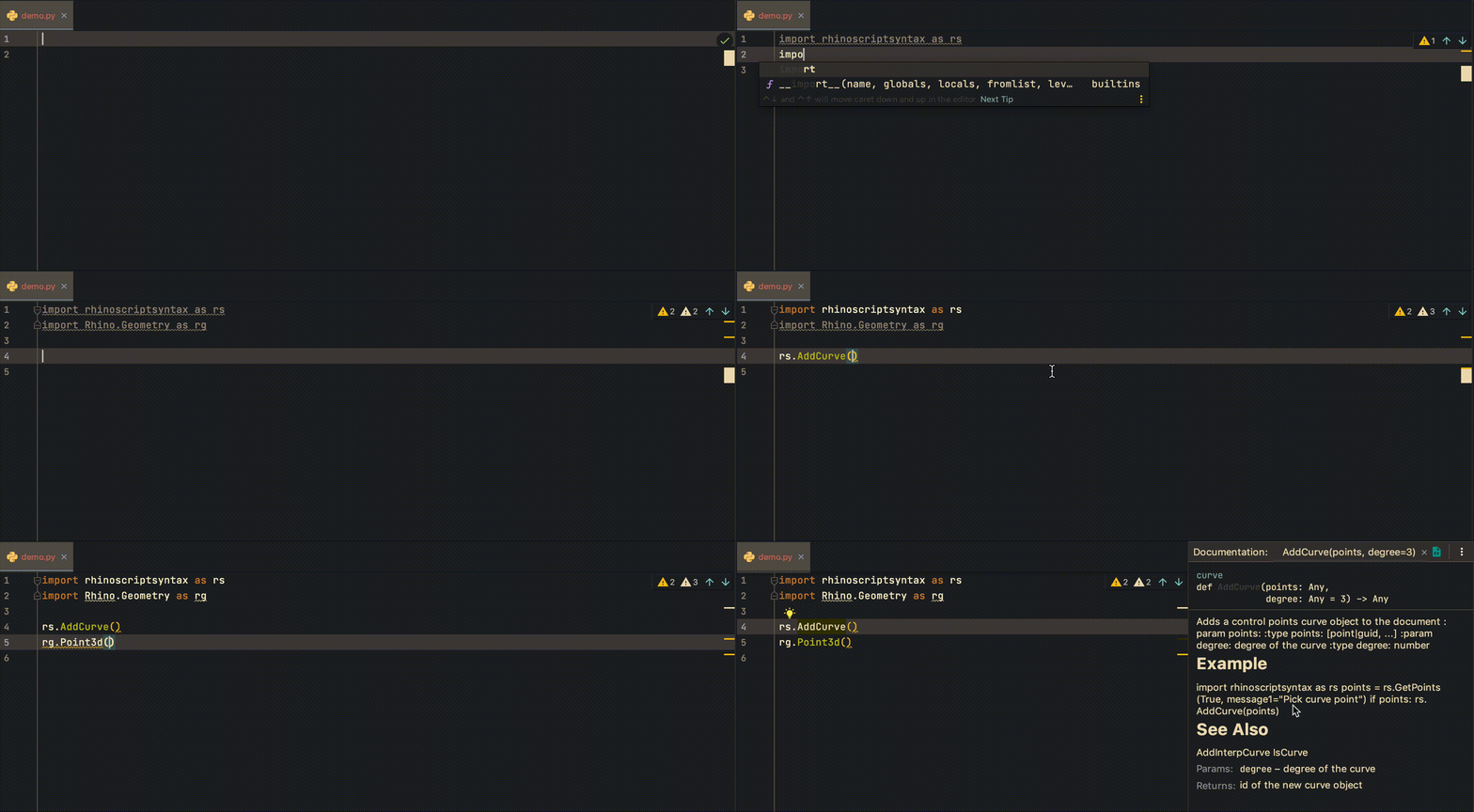
Here is how I set up my PyCharm IDE to program in Rhino Mac, so I can have a nice autocompletion functionality for the RhinoCommon and rhinoscriptsyntax. First, I install the python stubs to my created conda environment. This makes sure that we will have the autocomplete for the RhinoCommon API. $ conda create -n your-env-name $ conda activate your-env-name $ pip install Rhino-stubs To use specific environment in PyCharm, we will have to select the right environment for the project. This can be set in PyCharm -> Preferences -> Project: your-project-name -> Python Interpreter. Normally, our environment python is located at ~/anaconda3/envs/your-env-name/bin/python. ...

November 6, 2020 · 1 min · Gene Ting-Chun Kao
PhysX.GH demo

PhysX.GH

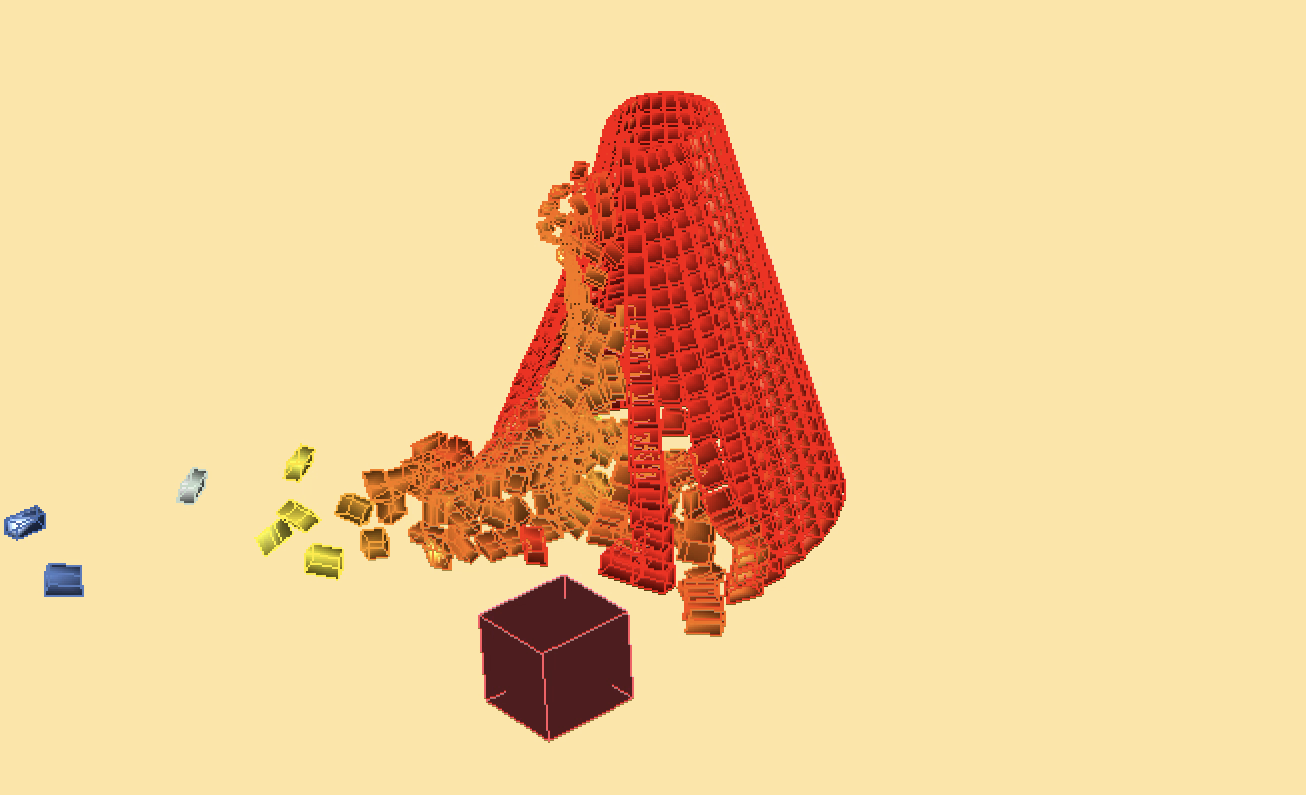
About PhysX.GH is a rigid body simulation tool for Grasshopper. It uses open source real-time physics engine NVIDIA PhysX and a C# wrapper from stilldesign/PhysX.Net. It runs with GPU and provides users with fast simulation results. Download: https://www.food4rhino.com/app/physxgh Forum: https://www.grasshopper3d.com/group/physx-gh License PhysX.GH © 2016-2020 Gene Ting-Chun Kao, Long Nguyen and The Asian Coders.

January 1, 2019 · 1 min · Gene Ting-Chun Kao
Video thumbnail

Assembly-aware design of masonry shell structures: a computational approach

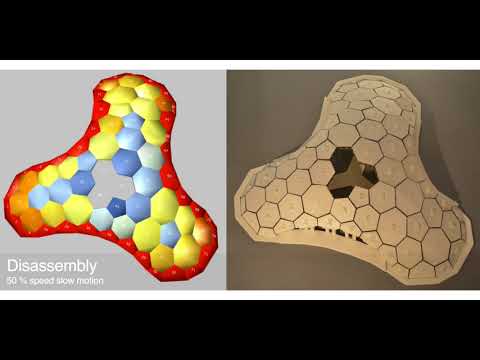
Abstract This paper proposes a workflow for Assembly-Aware Design (AAD) of masonry shell structures and introduces an interactive tool in a CAD environment to assist the design process while simulating the step-by-step assembly of masonry blocks. Thus designers can explore the design space of masonry shell structures and be aware of structural performance before the assembly phase, at the early design stage. Masonry shell structures are an old construction technique, which has recently received a lot of attention due to new computational methods. Even though the form of such a structure is optimised for structural performance, its incomplete form during construction often requires the support of falseworks, which can be extensive, costly and time-consuming. To tackle this unsolved problem, we developed an assembly strategy that significantly reduces the falsework usage while still maintaining the equilibrium of the incomplete shell at each assembly step. The key idea is to compute a disassembly strategy inspired by the Jenga game and then reverse it to obtain the actual assembly sequence of the masonry blocks. Rather than using discrete element methods to predict the structural behaviour of the masonry blocks, we employed the GPU-based rigid-body dynamic solver from the engine NVIDIA PhysX, this allows very fast computation speeds while still offering sufficient accuracy for our purposes. Finally, we verified our method using small-scale 3D printed models. ...

October 3, 2017 · 2 min · Gene Ting-Chun Kao
Leopard GH plugin

Leopard

Leopard - A new way to process mesh in Grasshopper, a cool GH plugin. We are pleased to announce our new plugin for Grasshopper: “Leopard” http://www.grasshopper3d.com/group/leopard Leopard is an open source mesh processing solution for grasshopper that allows users to interact with rhino geometry and create customised mesh shapes. By selecting Mesh vertices, edges and faces, users have more freedom to edit meshes intuitively and use different subdivision schemes to selectively choose multiple areas to fix. ...

February 21, 2017 · 1 min · Gene Ting-Chun Kao
Video thumbnail

ICD/ITKE Research Pavilion 2015-16 - development and implementation demo

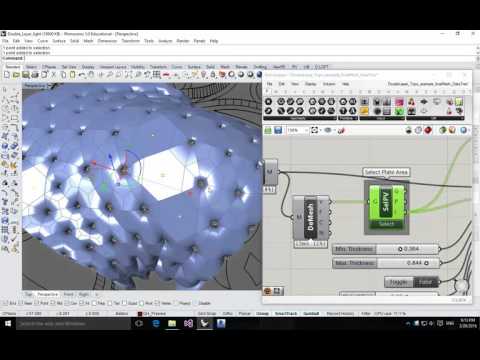
I was in the computational design team while designing the ICD/ITKE Research Pavilion 2015-16 and was mainly in charge of developing computational tools. Here is the demonstration video to show the geometrical implementation. One of the input parameters from the plugin is a mesh surface, and the output parameters are all tree data structure thus some double-layer light weight structure as well as some planar plates can be generated (Planar plate wasn’t realized due to the decision making and scheduling during the development). All the geometries are labeled in the right sequence so they can be fabricated directly: ...

October 30, 2016 · 1 min · Gene Ting-Chun Kao
Video thumbnail

Swarm 3D GUI – with a tail

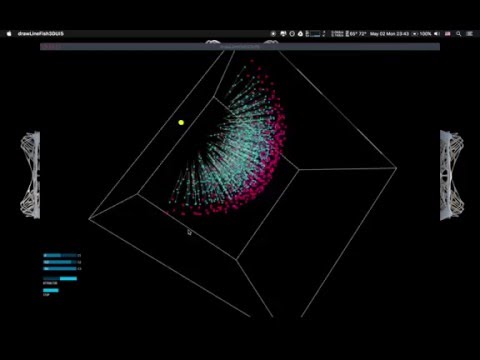
I wrote this short swarm script with GUI interface in Processing about 4 years ago (When I began to code)… Now I figure out lots of code from this script should be improved! For instance, we can implement KDTree later… Hope this code from the previous version will help people who needs or interested in it. Processing Source Code: drawLineFish3DUI.pde //============================================================================ // Name : drawLineFish3DUI.pde // Author : Gene Ting-Chun Kao // Version : 2012-7-19 // Copyright : GNU General Public License // Description : Swarm 3D with Tail GUI //============================================================================ import toxi.geom.*; import processing.opengl.*; import peasy.*; import controlP5.*; import java.util.Calendar; Manage man; PeasyCam jCam; ControlP5 jControl; ArrayList fishes; PMatrix3D currCameraMatrix; PGraphics3D g3; int c1 = 0; int c2 = 0; int c3 = 0; boolean attractor = false; boolean stop = false; void setup() { size(1200, 800, OPENGL); smooth(); g3 = (PGraphics3D)g; jCam = new PeasyCam(this, 100); Slider(); man = new Manage(400, 50); man.createFish(); } void draw() { if (jControl.window(this).isMouseOver()) { jCam.setActive(false); } else { jCam.setActive(true); } background(0); man.display(); gui(); } void keyReleased() { if (key == 's' || key == 'S') saveFrame(timestamp()+"_##.png"); } String timestamp() { Calendar now = Calendar.getInstance(); return String.format("%1$ty%1$tm%1$td_%1$tH%1$tM%1$tS", now); } void Slider() { jControl = new ControlP5(this); //mousePosistion jControl.addSlider("c1",-200,200,10,610,100,10); jControl.addSlider("c2",-200,200,10,630,100,10); jControl.addSlider("c3",-200,200,10,650,100,10); jControl.addToggle("attractor", false, 10, 680, 100, 10).setMode(ControlP5.SWITCH); jControl.addToggle("stop", false, 10, 715, 45, 10); jControl.setAutoDraw(false); } void gui() { currCameraMatrix = new PMatrix3D(g3.camera); camera(); jControl.draw(); g3.camera = currCameraMatrix; } Fish.pde ...

May 2, 2016 · 5 min · Gene Ting-Chun Kao
Processing 101

Processing 101

My Processing 101 creative coding experiments. 00 Kamehameha Simple 01 Attractor2DSimple 02 BouncingBallSimple 03 Wave 05 waterPipe 06 TwoPlayersGA Processing 101 – 00 Kamehameha Simple Kamehameha かめはめ波 龜派氣功 instruction Press you mouse left button. Drag it in the opposite direction. And you will find out it open fire automatically. Dictionary: Kamehameha かめはめ波 龜派氣功 Code Inspired From: Processing.js learning Sample float radius = 50; int X, Y; void setup() { size( 650, 200 ); strokeWeight(10); fill( 198, 81, 10); stroke(255); X = width/2; Y = height/2; } void draw() { background(100); radius += sin(frameCount/10); ellipse(X+=(X-pmouseX)/16, Y+=(Y-pmouseY)/16, radius, radius); } void mouseMoved() { X = mouseX; Y = mouseY; } Processing 101 – 01 Attractor2DSimple Attractor Each circle on the grid points change its diameters, which based on distance between mouse position and point’s location. Dictionary: Attractor 吸引子,原本為複雜科學裡的一個專有名詞,近期廣被用來描述於Parametricism。 最先被運用在Grasshopper裡頭。 ...

July 25, 2014 · 9 min · Gene Ting-Chun Kao
Swarm Python Component

Swarm Python Component

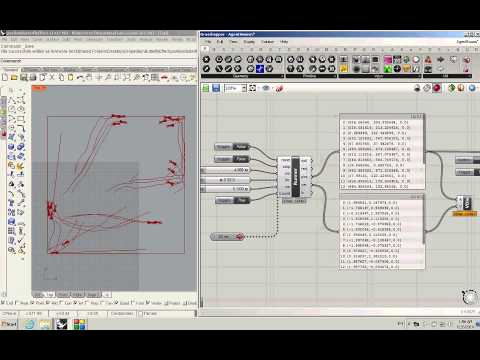
Swarm in Grasshopper using GH_Python component. Testing swarm behaviour in Rhino is in this post: Rhino.Python Swarm Bridge For more discussion please visit my post in grasshopper example forum. GH_Python Code: ### --Written by Gene Ting-Chun Kao-- ### ghenv.Component.Message = "written by +GENEATCG" import rhinoscriptsyntax as rs import Rhino as rc from random import * rectX = 600 rectY = 600 class Runner: def __init__(self, p, v): self.p = p self.v = v self.a = rs.VectorCreate( (0,0,0),(0,0,0) ) def ptRun(self): self.v = rs.VectorAdd(self.v, self.a) v = rs.VectorLength(self.v) if v > 2: self.v = rs.VectorScale(rs.VectorUnitize(self.v), 2) self.p = rs.VectorAdd(self.p, self.v) self.a = rs.VectorCreate( (0,0,0),(0,0,0) ) # ... (full code on GitHub)

June 25, 2014 · 1 min · Gene Ting-Chun Kao