Emacs Org Mode is a perfect tool to do almost anything! I particularly like its slogan and design concept: Organize Your Life In Plain Text!
I use Org Mode for many things, which includes writing a to-do list, building a study plan, writing blog posts (including this one), scribbling documents to organise my thoughts (you can also run code in Org Mode, how cool is that!), and planning a research paper.
I would like to share my .org files with LaTex starter code and show how I use it to write research documents. Later I export them from .org file to .tex then to .pdf. I like this pipeline because I don’t need to worry about the layout while writing. I can also combine many different syntaxes, such as latex in the .org file.
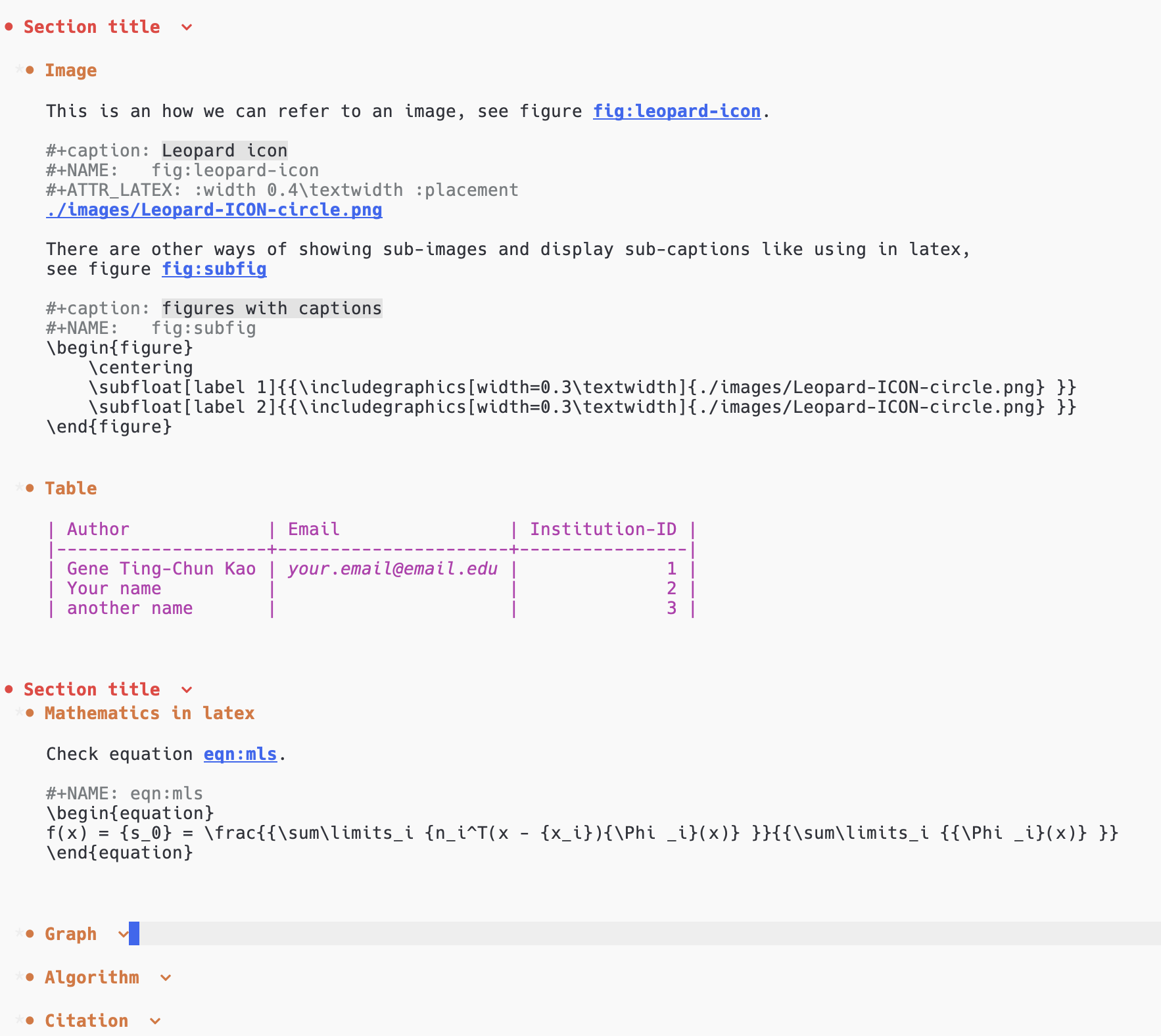
Here are some screenshots:
.org file
.pdf
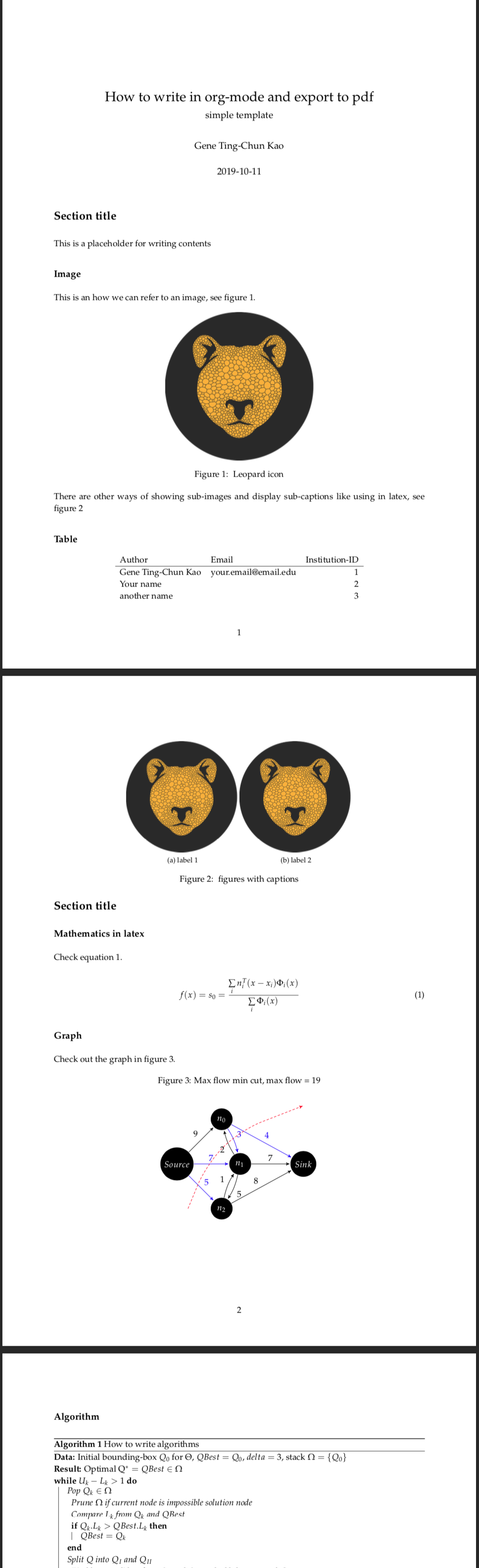
Table of Contents
My org-mode templates for latex-style writing
This repo contains different templates as a starter code to write org-mode which can later be exported to latex and pdf.
Emacs settings
I am using Centaur Emacs for my emacs setting, so if you encounter any different exporting result, please refer to the emacs setting and my fork version (in the branch gene-emacs).
Or those lines to your .emacs setting file.
    (setq org-latex-pdf-process
          '("latexmk -pdflatex='pdflatex -interaction nonstopmode' -pdf -bibtex -f %f"))


    (unless (boundp 'org-latex-classes)
      (setq org-latex-classes nil))

    (add-to-list 'org-latex-classes
                 '("ethz"
                   "\\documentclass[a4paper,11pt,titlepage]{memoir}
    ...
    "))
Export from .org file to .pdf
Use the key combination
C-c C-e l o
For more information, please refer to the official documentation.